AI-Powered Web Development Online Live Class by Experts
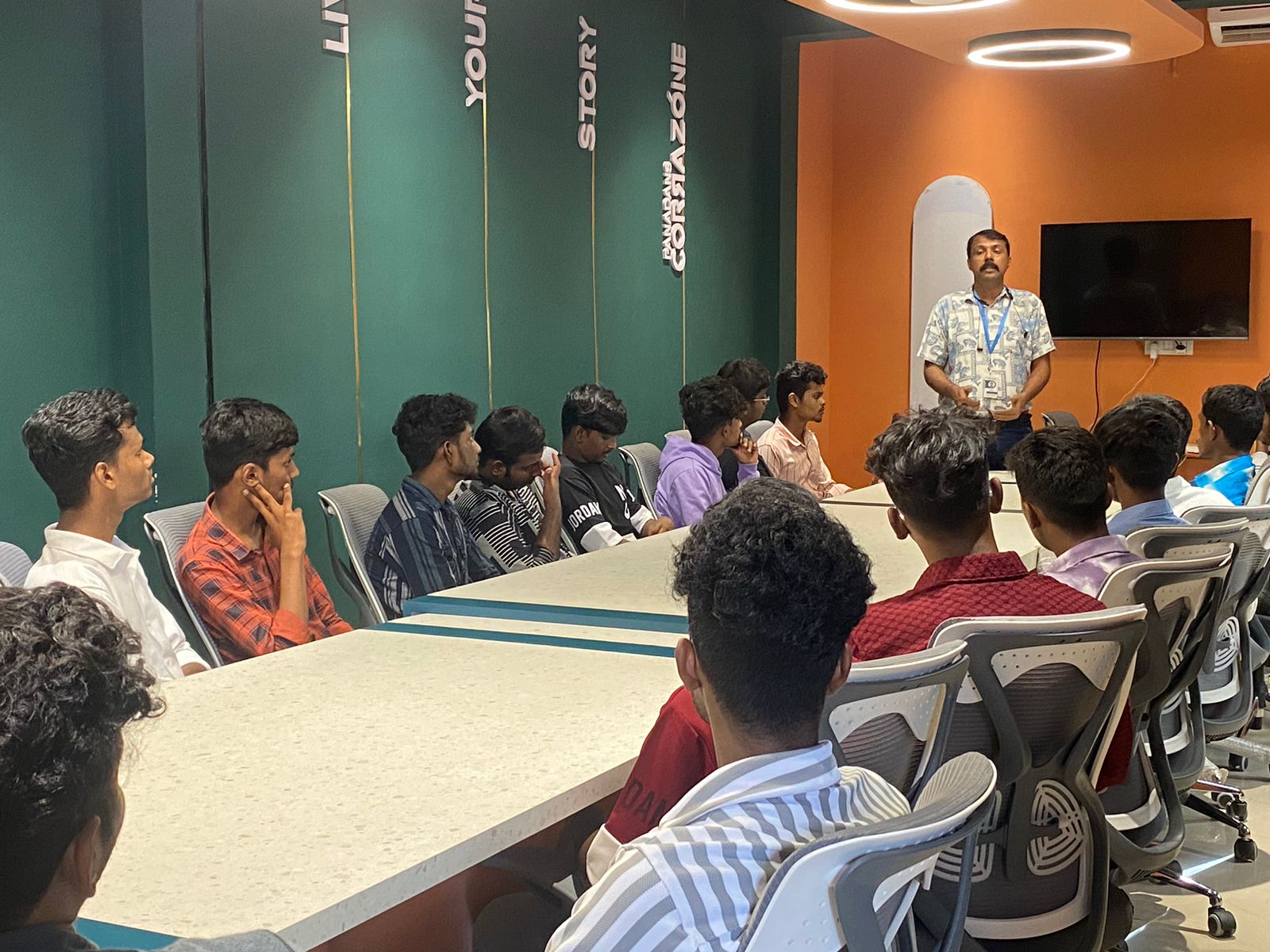
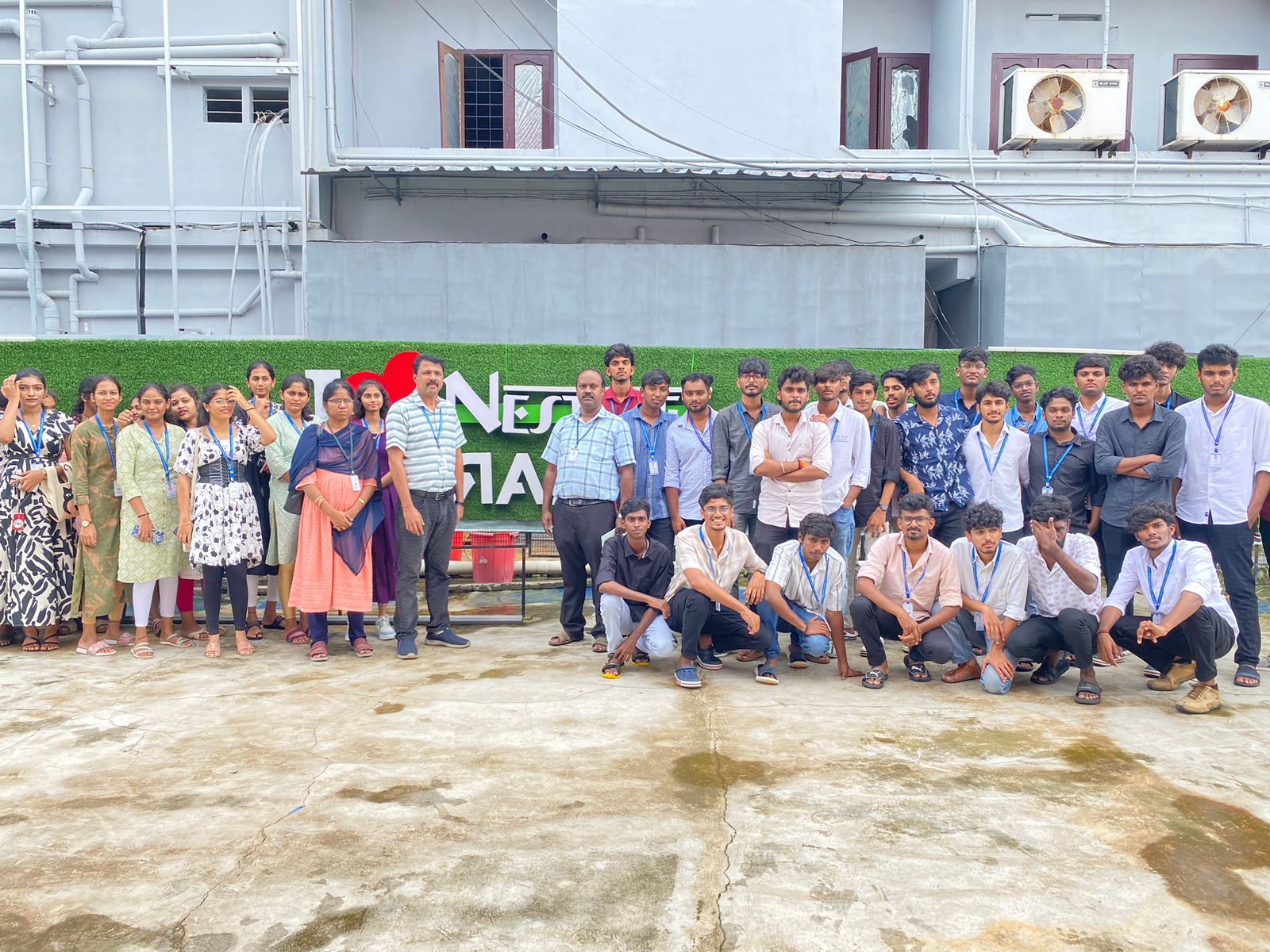
Our Training/Internship Process

AI-Powered Web Development - Syllabus, Fees & Duration
AI-Powered Web Engineering
Module 1: Introduction to AI Web Development (1 Hour)
- Introduction to AI-powered web engineering
- Overview of ChatGPT, Gemini, and GitHub Copilot
- Prompt engineering for website creation
Module 2: HTML and Website Structure (1 Hour)
- HTML5 basics and semantic elements
- Creating webpage layouts using AI-generated code
- Building navigation, forms, links, and images
Module 3: CSS and Responsive Design (1 Hour)
- CSS styling, colours, fonts, and layouts
- Flexbox and CSS Grid fundamentals
- Using AI to create responsive website designs
Module 4: JavaScript and Interactivity (1 Hour)
- JavaScript basics, functions, and events
- Creating interactive website components
- Debugging JavaScript using AI tools
Module 5: AI-Assisted Frontend Development (1 Hour)
- Generating reusable UI components
- Creating buttons, cards, menus, and forms
- Improving user experience with AI assistance
Module 6: Backend and API Integration (1 Hour)
- Introduction to backend development
- Understanding REST APIs and JSON
- Connecting website interfaces to external APIs
Module 7: Database and Form Integration (1 Hour)
- Database fundamentals and SQL overview
- Understanding form data processing
- Using AI to generate and troubleshoot queries
Module 8: Testing, Debugging, and Security (1 Hour)
- AI-assisted code review and error fixing
- Website responsiveness and functionality testing
- Basic security and performance optimization
Module 9: Deployment and SEO (1 Hour)
- Introduction to web hosting and deployment
- Deploying a website using a suitable hosting platform
- SEO basics and website performance improvements
Module 10: Practical Project and Evaluation (1 Hour)
- Build a responsive website using AI tools
- Test and refine the website
- Project demonstration and feedback
Learning Outcomes
- Understand AI-assisted website development.
- Create responsive webpages using HTML, CSS, and JavaScript.
- Use AI tools for code generation, debugging, and optimization.
- Develop and deploy a basic website project.
This syllabus is not final and can be customized as per needs/updates
- Since 2001, Making IT Experts by Experts
- Duration: 10 Hours (Vary as per your skill)
- Course Fees
- Individual Live Classes (1:1)
- Batch Classes @ Low Fees
- Training on Your Time, Any Where
- Access to Recorded Videos
- Practical Internship on Projects
- 100% Placement Support by our jobsHybrid.com
- Training/Internship Certificate
- Agra
- Ahmedabad
- Alappuzha
- Aurangabad
- Bangalore
- Belgaum
- Bellary
- Bhubaneswar
- Chennai
- Cochin
- Coimbatore
- Delhi
- Dindigul
- Erode
- Gulbarga
- Guntur
- Gurgaon
- Haryana
- Hyderabad
- Idukki
- Indore
- Jaipur
- Kalyan
- Kannur
- Kanpur
- Kasaragod
- Kerala
- Kolkata
- Kollam
- Kottayam
- Kozhikode
- Lucknow
- Madurai
- Malappuram
- Mangaluru
- Mumbai
- Mysuru
- Nagpur
- Nashik
- Navi Mumbai
- Nizamabad
- Noida
- Palakkad
- Pathanamthitta
- Pune
- Punjab
- Salem
- Shimla
- Solapur
- Surat
- Thane
- Thanjavur
- Thirunelveli
- Thoothukudi
- Thrissur
- Tiruchirappalli
- Tiruppur
- Trivandrum
- Vadodara
- Varanasi
- Vellore
- Vijayawada
- Visakhapatnam
- Wayanad
Course Highlights

Our Locations

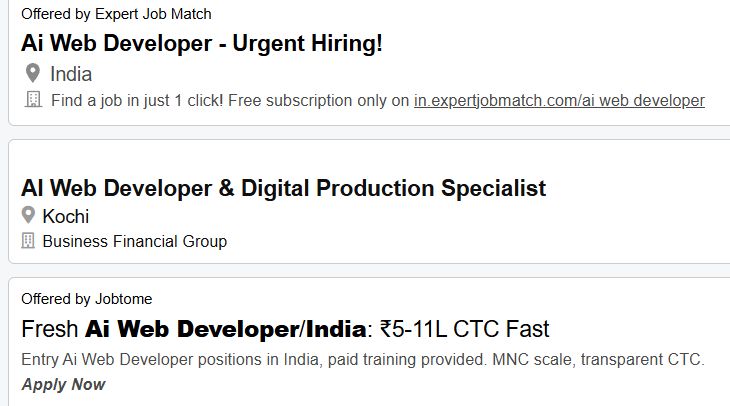
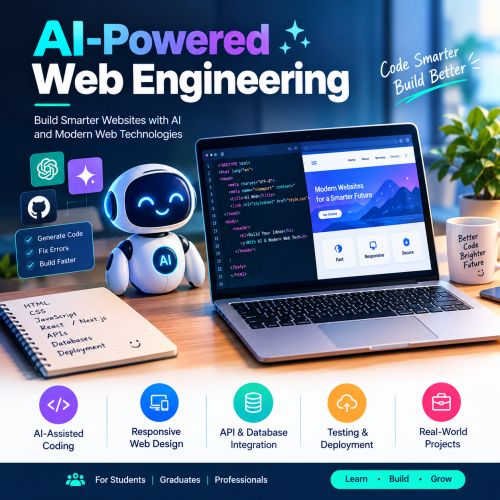 he AI for Web Development course in Kannur helps students and professionals learn how to build modern, responsive, and interactive websites using artificial intelligence tools and web technologies. Learn how to use AI for HTML, CSS, JavaScript, frontend development, backend development, debugging, code generation, and website optimization.
The course is suitable for students, beginners, graduates, and working professionals, including 10th and 12th pass students, degree holders, BTech graduates, and master's degree holders. Develop practical skills to create professional websites and prepare for career opportunities in web development and AI-assisted software development. .
This course covers AI-assisted coding, responsive web design, UI/UX improvements, API integration, database connectivity, website testing, debugging, and deployment. Gain hands-on experience using AI tools to improve productivity, solve coding problems, and develop real-world web applications.
he AI for Web Development course in Kannur helps students and professionals learn how to build modern, responsive, and interactive websites using artificial intelligence tools and web technologies. Learn how to use AI for HTML, CSS, JavaScript, frontend development, backend development, debugging, code generation, and website optimization.
The course is suitable for students, beginners, graduates, and working professionals, including 10th and 12th pass students, degree holders, BTech graduates, and master's degree holders. Develop practical skills to create professional websites and prepare for career opportunities in web development and AI-assisted software development. .
This course covers AI-assisted coding, responsive web design, UI/UX improvements, API integration, database connectivity, website testing, debugging, and deployment. Gain hands-on experience using AI tools to improve productivity, solve coding problems, and develop real-world web applications.