Odoo Online Live Class by Experts
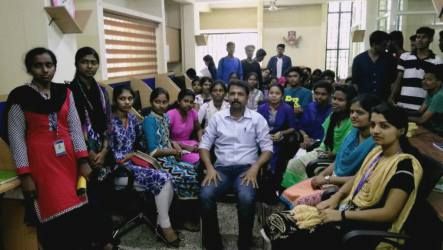
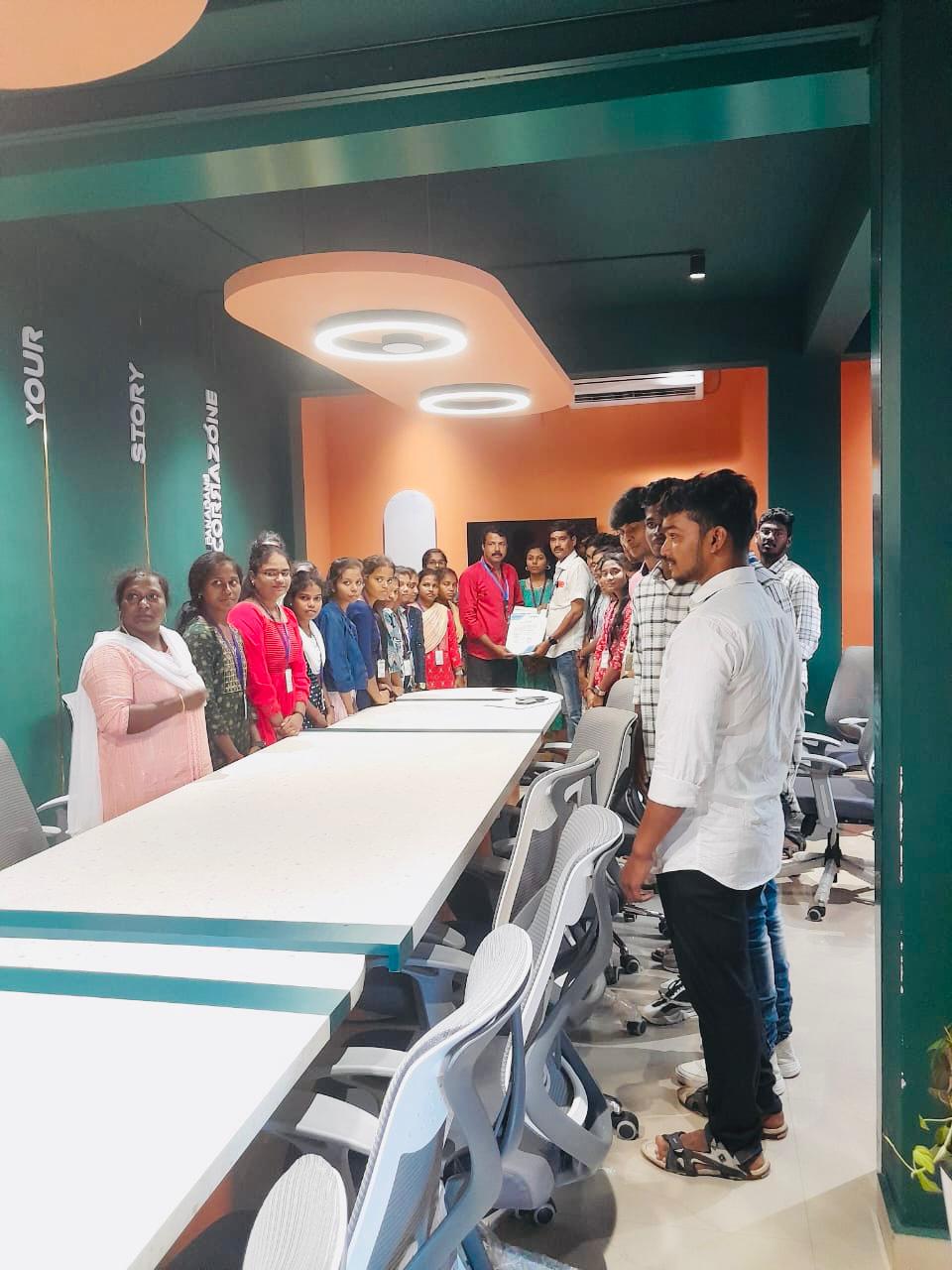
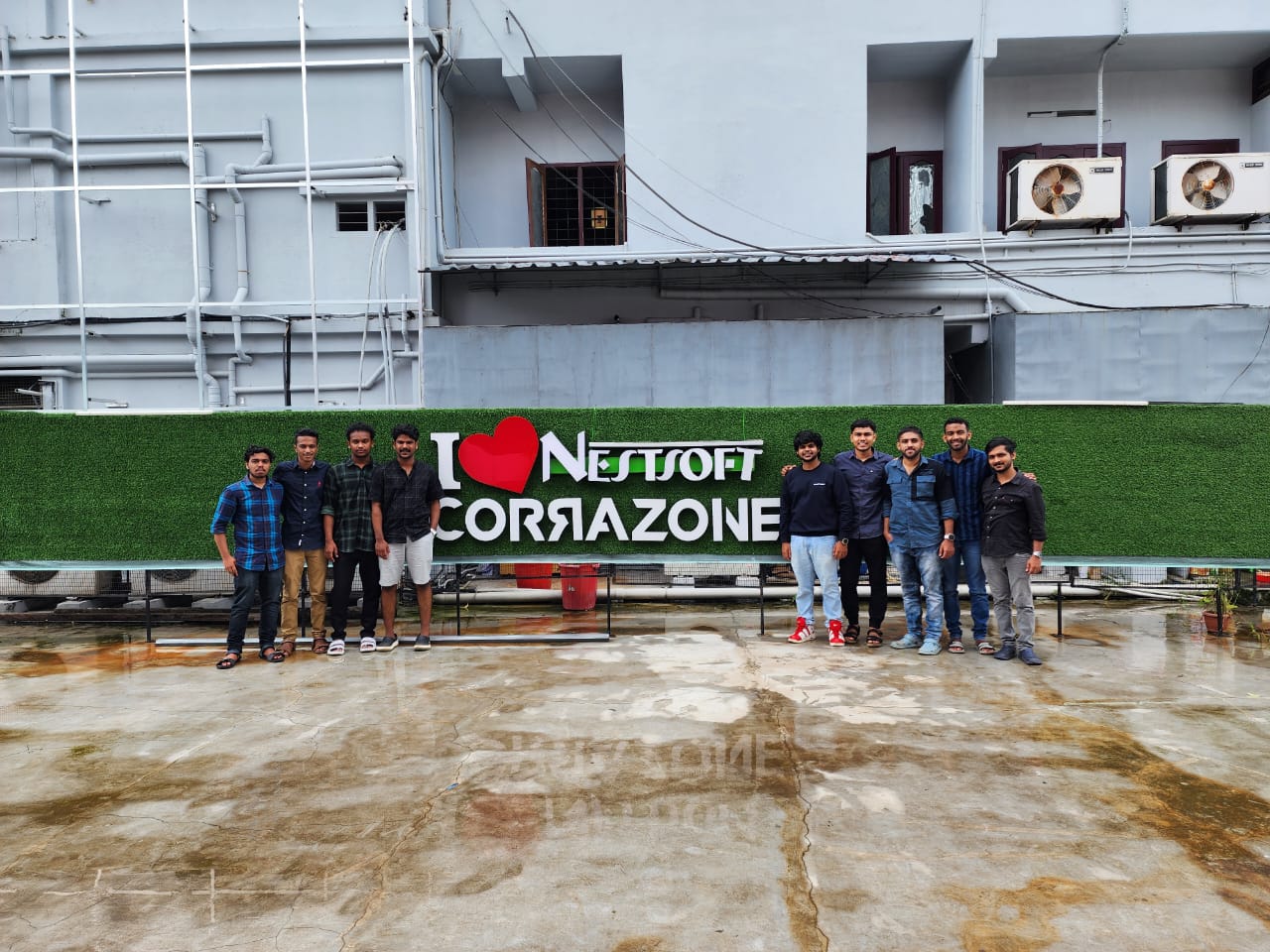
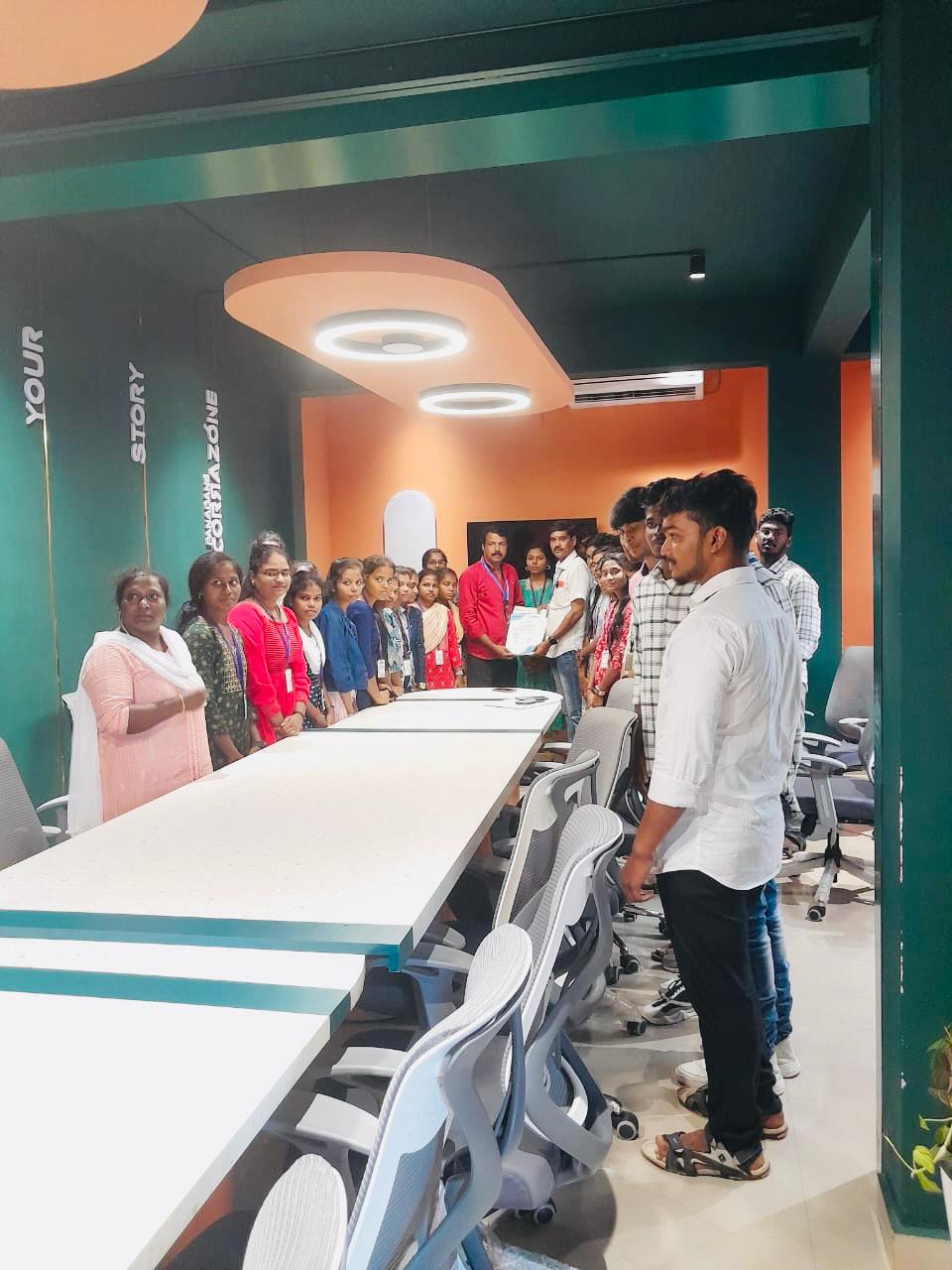
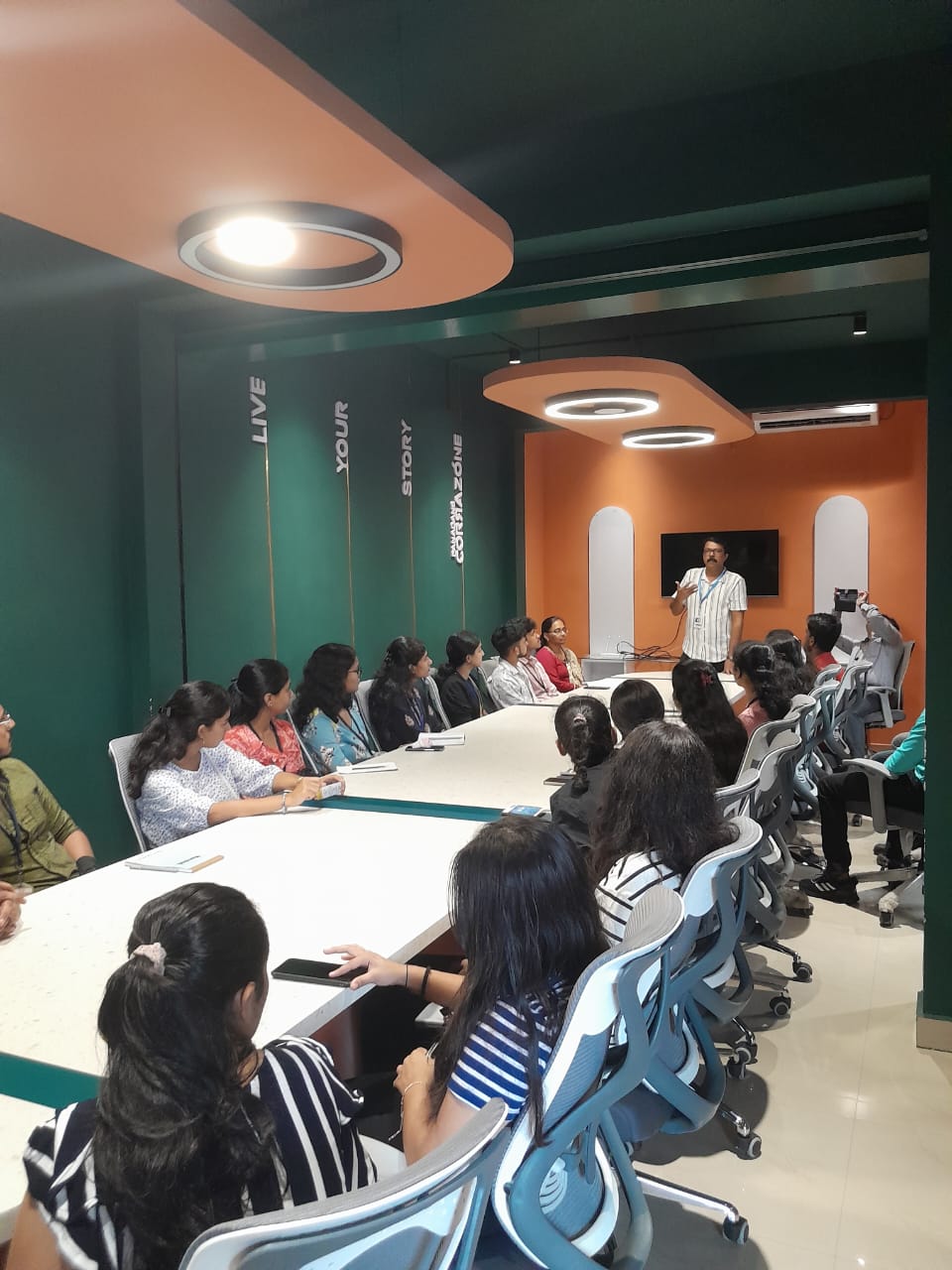
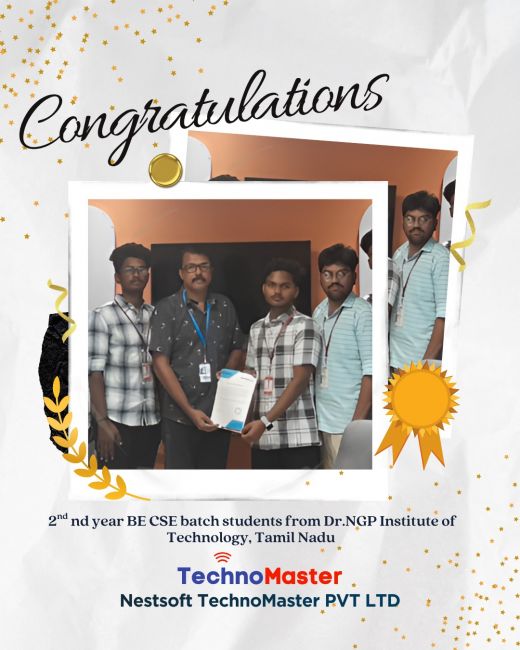
Our Training/Internship Process

Odoo - Syllabus, Fees & Duration
Section 1 : Introduction
- Introduction
- History of ODOO
Section 2 : Technical Fundamentals of ODOO Addons
- Addon's module structure and manifest file usage.
- Writing your first module.
- The first module writes the relation field with fields, views, function, and menu.
- Widgets and controls in UI
- Domain - dynamic UI bivivisions with structure, modules, ATTRS and Onchange.
- Views, view attribute, diagram view, graph view, calendar view.
- Model and class-level attributes
- Creating a base module
- Fields parameters.
- Complex fields.
- Design the Kanban views
- Introduction to constraints, SQL constraints, automatic reserve fields .
Section 3 : Inheritance
- Modifying Existing Models, Inheritance
Section 4 : ORM Models
- Traditional ORM methods
- Advanced ORM methods
- A procedure from the GUI is followed by a method of follow-up
- API decorations in ODOO, the difference between the previous version and the odoo calls
- The most used API decorations
- Relational Field Operations with the API
- Review of commonly used ORM modes
- PMS editing and expression
Section 5 : Different types of Button and overview of linked views
- Various types of buttons and linked views
- Creates demonstration data and sequence
- Creating wizards
Section 6 : Web Services
- Web services
- Payment Gateway Integration Guide
- ODOO Server Parameters and Configuration
Section 7 : Odoo Security
- Security at Odoo from UI
- Security in ODOO using Module
This syllabus is not final and can be customized as per needs/updates
- Since 2001, Making IT Experts by Experts
- Duration: 60 Hours (Vary as per your skill)
- Course Fees
- Individual Live Classes (1:1)
- Batch Classes @ Low Fees
- Training on Your Time, Any Where
- Access to Recorded Videos
- Practical Internship on Projects
- 100% Placement Support by our jobsHybrid.com
- Training/Internship Certificate
- Agra
- Ahmedabad
- Alappuzha
- Aurangabad
- Bangalore
- Belgaum
- Bellary
- Bhubaneswar
- Chennai
- Cochin
- Coimbatore
- Delhi
- Dindigul
- Erode
- Gulbarga
- Guntur
- Gurgaon
- Haryana
- Hyderabad
- Idukki
- Indore
- Jaipur
- Kalyan
- Kannur
- Kanpur
- Kasaragod
- Kerala
- Kolkata
- Kollam
- Kottayam
- Kozhikode
- Lucknow
- Madurai
- Malappuram
- Mangaluru
- Mumbai
- Mysuru
- Nagpur
- Nashik
- Navi Mumbai
- Nizamabad
- Noida
- Palakkad
- Pathanamthitta
- Pune
- Punjab
- Salem
- Shimla
- Solapur
- Surat
- Thane
- Thanjavur
- Thirunelveli
- Thoothukudi
- Thrissur
- Tiruchirappalli
- Tiruppur
- Trivandrum
- Vadodara
- Varanasi
- Vellore
- Vijayawada
- Visakhapatnam
- Wayanad
Course Highlights

Our Locations

 Considering the fast technology development, if you're thinking of hiring a trainer, instructor, organizer, or whatever else to increase your current knowledge level or give training for your firm, I strongly advise you to do your work. We offer Odoo training for all versions, starting with the most recent. Both versions include iOS and Android apps. Our instructors are highly qualified and educated to give live Odoo training courses at the most affordable prices. Odoo is an open-source ERP software that comes in two flavors: Odoo Community, which is free, and Odoo Enterprise, which requires money. Functional training will aid you in learning basic concepts, day-to-day Odoo tasks, and typical module installation. Odoo Technical Training is primarily for fresh candidates and IT professionals interested in Odoo modification and development. We are making the effort to provide official Odoo training to anyone so that you can have the most significant functional and technical understanding of Odoo frameworks and modules. In a difficult moment, approaching the finest training institute for the best live project training is always beneficial.
Nestsoft gives replies to all of your questions.
Considering the fast technology development, if you're thinking of hiring a trainer, instructor, organizer, or whatever else to increase your current knowledge level or give training for your firm, I strongly advise you to do your work. We offer Odoo training for all versions, starting with the most recent. Both versions include iOS and Android apps. Our instructors are highly qualified and educated to give live Odoo training courses at the most affordable prices. Odoo is an open-source ERP software that comes in two flavors: Odoo Community, which is free, and Odoo Enterprise, which requires money. Functional training will aid you in learning basic concepts, day-to-day Odoo tasks, and typical module installation. Odoo Technical Training is primarily for fresh candidates and IT professionals interested in Odoo modification and development. We are making the effort to provide official Odoo training to anyone so that you can have the most significant functional and technical understanding of Odoo frameworks and modules. In a difficult moment, approaching the finest training institute for the best live project training is always beneficial.
Nestsoft gives replies to all of your questions.