Python/Django Online Live Class by Experts
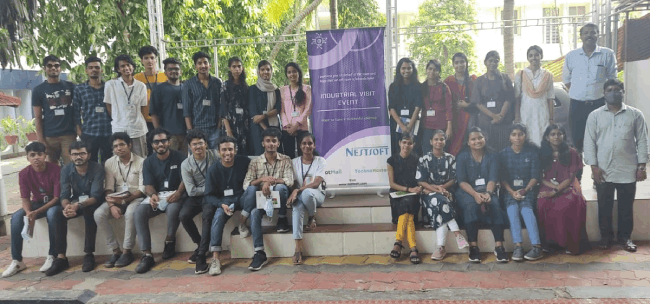
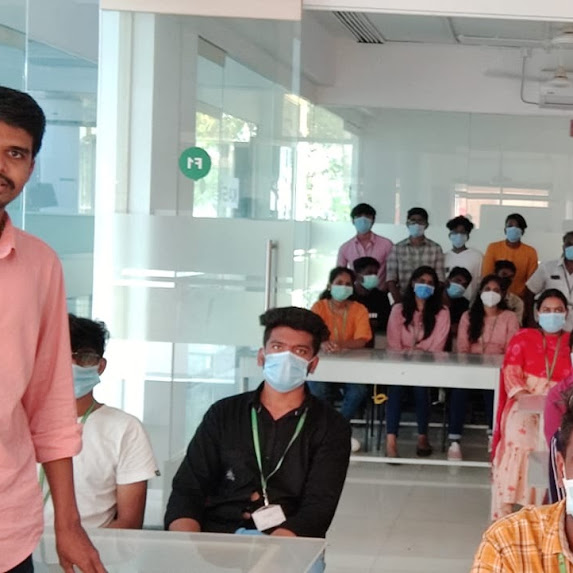
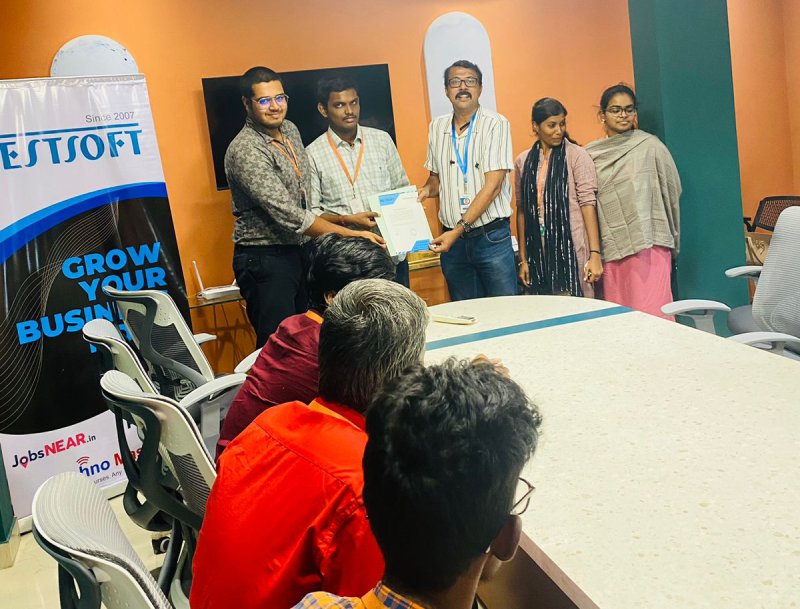
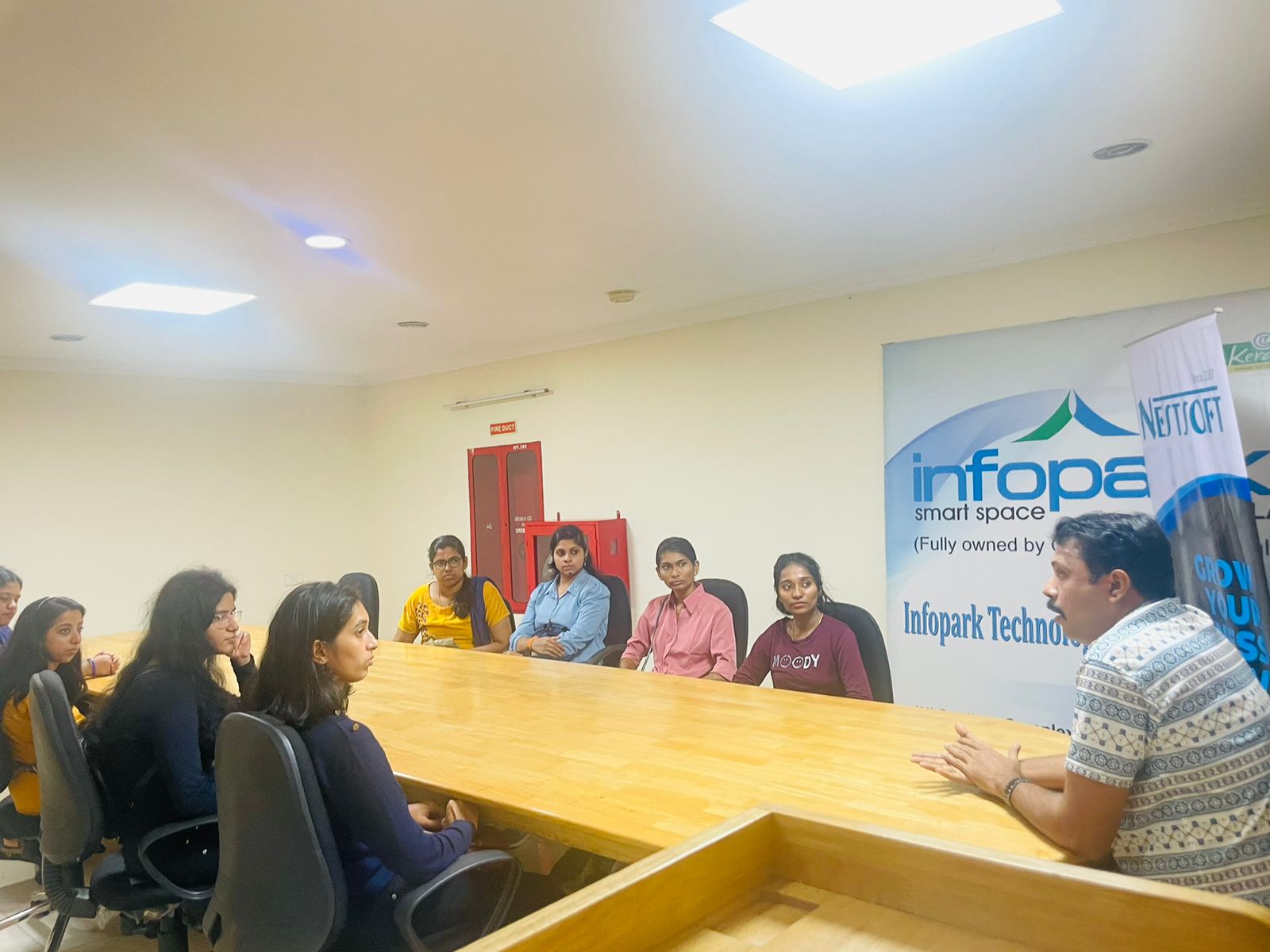
Our Training/Internship Process

Python/Django - Syllabus, Fees & Duration
HTML 5 (5 Hours)
CSS (5 Hours)
Bootstrap (5 Hours)
Javascript (5 Hours)
Introduction to Python
- History
- Features
- Installation
- Operators
- Variables
Introduction to Datatypes
- Python numbers
- Python strings
- Python lists
- Python tuples
- Python dictionary
Programming Concepts
- If statements
- If else
- Else if statements
- While loop
- For loop
Functions and Modules
- Defining a function
- Calling a function
- Function arguments
- Importing modules
- Built in modules
Object Oriented Programming
- Class and objects
- Super and sub class
- Constructor
- Inheritance
Files and Exception Handling
- Opening and closing a file
- Reading and writing on a file
- File methods
- Exception handling
- Raising an exception
GUI Development using Tkinter
- Introduction to Tkinter
- Tkinter programming
- Tkinter widgets
- Standard attributes
- Geometry management
Basic Widgets and Advanced Widgets
- Using radio buttons
- Using check box
- Spin box
- Scroll bar and slider
- List widget
- Display system clock time
- Working with calendar
- Combo box
- Displaying table
- Displaying graphics
OS Module and Network Programming
- Environment
- Directory Commands
- Miscellaneous OS Calls and Walking through Directories
- Network programming and Introduction
SQL and SQL Constrains
- Introduction
- DDL commands
- DML commands
- SQL statements ,operators, clauses
- Aggregate functions
Database Handling with SQL Lite
- Database maintenance through console based programs
- Database maintenance through GUI based program
MongoDb with Python
- MongoDb installation
- MongoDb Compass
- MongoDb Data Modeling
- MongoDb Connectivity
- MongoDb CRUD operations
Firebase Realtime Database
- Fire base Installation
- Environment setup
- Introduction to JSON
- CRUD operations
Introduction to Web designing
- HTML
- CSS
Introduction to Client Side Scripting
- Java script
- jQuery
- Bootstrap
Basic Study of Django Framework
- What is Django?
- Where did it come from?
- What does Django code look like?
- Installing Django
Django Templates and Form Details
- What is Django?
- Where did it come from?
- What does Django code look like?
- Installing Django
Django Admin Customization
- Where did it come from?
- Registering models
- Creating a super user
- Logging in and using the site
- Advanced configuration
Rest APIs and User Authentication
- Project setup
- Views
- URL’s
- Settings
- Testing our API
- Enabling authentication
- Creating users and groups
- Setting up your authentication views
- Permissions
Deploying Django Framewok
- Production environment
- Choosing a hosting provider
- Getting your website ready to publish
- Installing local library
Python FLASK Framewok
- Introduction
- What Is Flask
- Why Use Flask?
- Installing Flask
- Setting Up Our Development Environment
- Locally Using our Operating System
Introduction to Virtual ENV and PIP
- Locally Using Docker
- Using a Cloud-Based IDE
- The Code Editor
- Installing Flask
- Our Initial App
- Debugging
- Routing
- Using url_for
- The GET method
- The POST method
Advanced Python Concepts
This syllabus is not final and can be customized as per needs/updates
- Since 2001, Making IT Experts by Experts
- Duration: 60 Hours (Vary as per your skill)
- Course Fees
- Individual Live Classes (1:1)
- Batch Classes @ Low Fees
- Training on Your Time, Any Where
- Access to Recorded Videos
- Practical Internship on Projects
- 100% Placement Support by our jobsNEAR.in
- Training/Internship Certificate
- Agra
- Ahmedabad
- Alappuzha
- Aurangabad
- Bangalore
- Belgaum
- Bellary
- Bhubaneswar
- Chennai
- Cochin
- Coimbatore
- Delhi
- Dindigul
- Erode
- Gulbarga
- Guntur
- Gurgaon
- Haryana
- Hyderabad
- Idukki
- Indore
- Jaipur
- Kalyan
- Kannur
- Kanpur
- Kasaragod
- Kerala
- Kolkata
- Kollam
- Kottayam
- Kozhikode
- Lucknow
- Madurai
- Malappuram
- Mangaluru
- Mumbai
- Mysuru
- Nagpur
- Nashik
- Navi Mumbai
- Nizamabad
- Noida
- Palakkad
- Pathanamthitta
- Pune
- Punjab
- Salem
- Shimla
- Solapur
- Surat
- Thane
- Thanjavur
- Thirunelveli
- Thoothukudi
- Thrissur
- Tiruchirappalli
- Tiruppur
- Trivandrum
- Vadodara
- Varanasi
- Vellore
- Vijayawada
- Visakhapatnam
- Wayanad
Course Highlights

Our Locations

 PHP, C++, and Java are examples of related languages.
Python's popularity among web developers stems from the fact that it is both legible and efficient. Python is created under an OSI-approved open source license, making it free to use and distribute, including for commercial purposes.
If you're serious about learning Python, we recommend that you give it a shot because it's one of the most user-friendly programming languages available. It provides a plethora of possibilities for you. Because it is meant to be portable, it can run on any modern computer operating system. Python applications are straightforward to read and write thanks to the language's basic syntax, and it's a widely used language in the software industry.
. Many third-party libraries support Python, so you can use it in your project or as part of a collection of modules. It is also simple to learn and understand.
PHP, C++, and Java are examples of related languages.
Python's popularity among web developers stems from the fact that it is both legible and efficient. Python is created under an OSI-approved open source license, making it free to use and distribute, including for commercial purposes.
If you're serious about learning Python, we recommend that you give it a shot because it's one of the most user-friendly programming languages available. It provides a plethora of possibilities for you. Because it is meant to be portable, it can run on any modern computer operating system. Python applications are straightforward to read and write thanks to the language's basic syntax, and it's a widely used language in the software industry.
. Many third-party libraries support Python, so you can use it in your project or as part of a collection of modules. It is also simple to learn and understand.